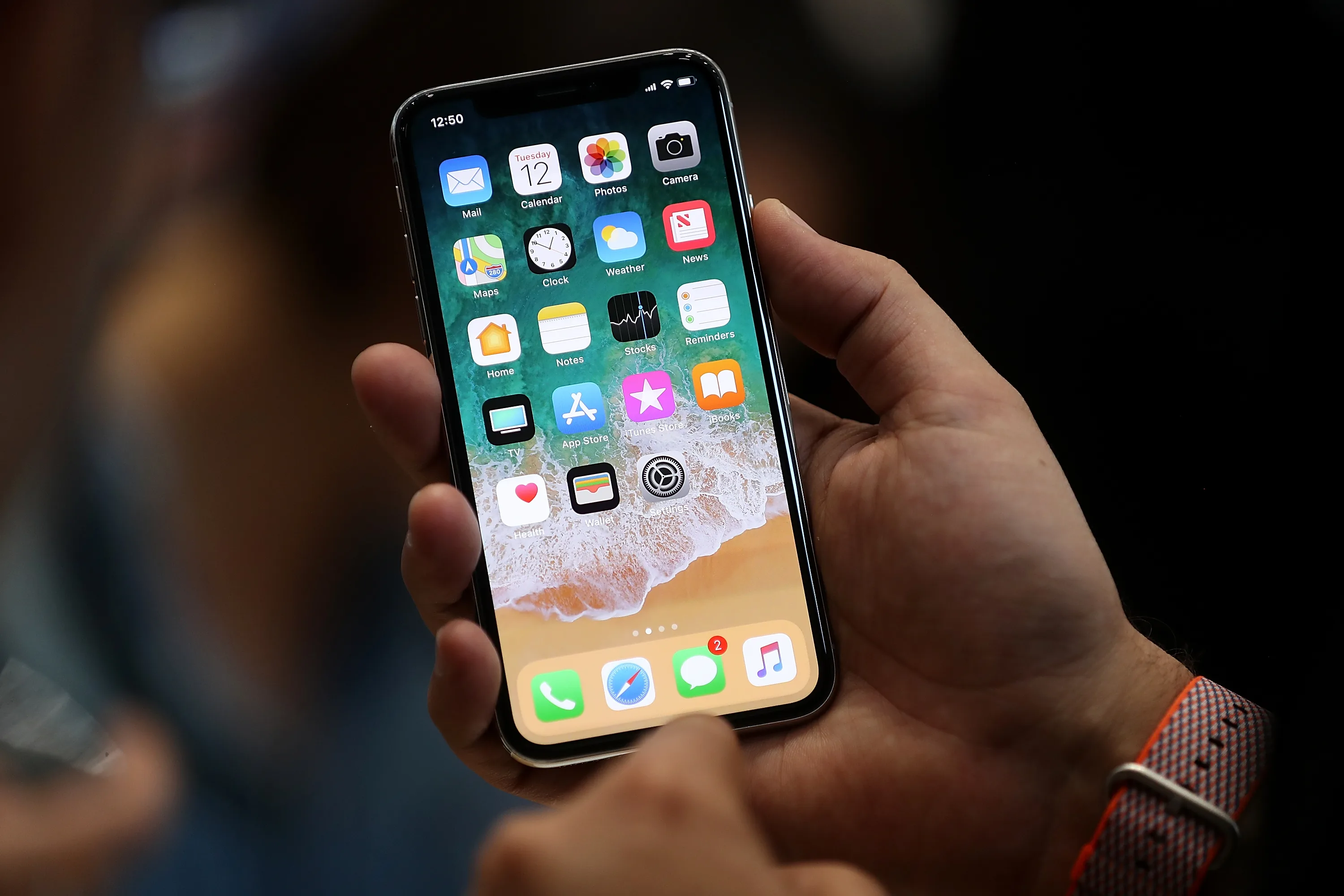
This could be handy for you because the ‘home’ button has been known to break on iPhones…
The iPhone is becoming increasingly popular in Ireland these days but that doesn’t mean that the phone is 100 per cent reliable.
One common problem with the iPhone is the ‘home’ button, which is notoriously flimsy and is vulnerable to wear and tear.
Eventually, the button can become difficult to press and in some cases, it can be become completely unresponsive.
Luckily there’s this handy little trick that will remove your reliance on the home button if it’s not working, or at the very least, increase the lifespan of it by taking some of the workload off.
Here’s how you can do it…
First up, press ‘Settings’.
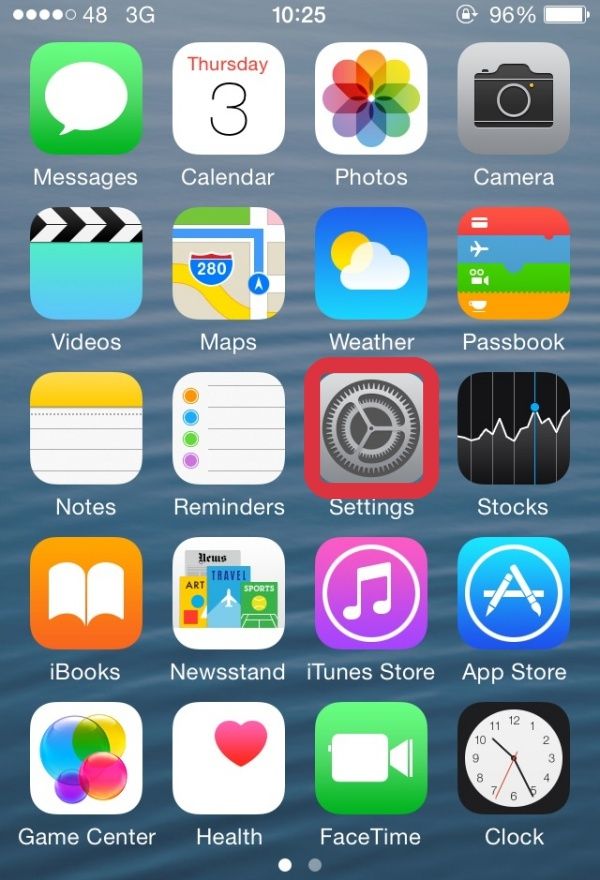
Once in settings, press ‘General’.
![image[1]](https://m0.joe.ie/wp-content/uploads/2015/09/03113948/image1.jpg)
Next tap ‘Accessibility’.
![image[2]](https://m0.joe.ie/wp-content/uploads/2015/09/03113949/image2.jpg)
Then press ‘Accessibility Shortcut’.
![image[3]](https://m0.joe.ie/wp-content/uploads/2015/09/03113950/image3.jpg)
Switch the ‘Assistive Touch’ on.
![image[4]](https://m0.joe.ie/wp-content/uploads/2015/09/03113950/image4.jpg)
A little blue tick should appear beside it, similar to the one pictured below.
![image[5]](https://m0.joe.ie/wp-content/uploads/2015/09/03113951/image5.jpg) Next up, go to the home screen and tap the ‘home button’ (oh the irony) three times and this little square (pictured below) should appear on your screen.
Next up, go to the home screen and tap the ‘home button’ (oh the irony) three times and this little square (pictured below) should appear on your screen.
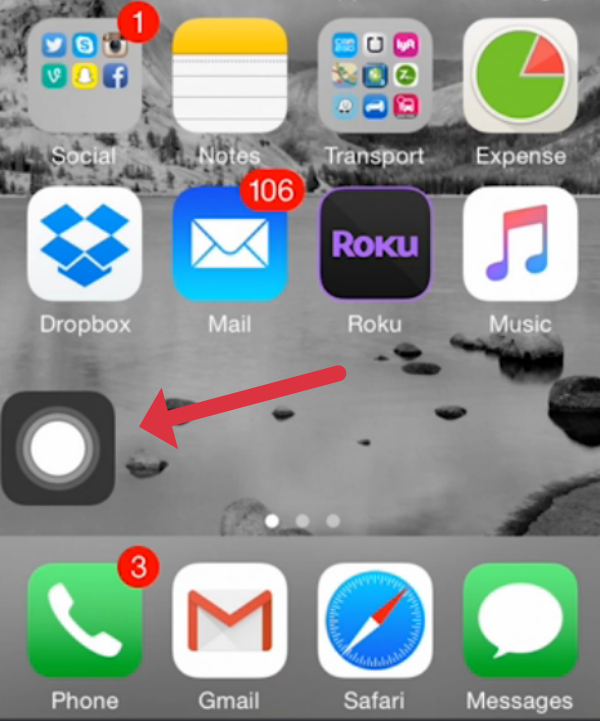
If you tap this button, a whole range of options will appear including a new home button…
![image[7]](https://m0.joe.ie/wp-content/uploads/2015/09/03115405/image7.jpg)
If you get sick of this option, all you need to do is tap the home button again three times, and the little square will disappear.
Hat-tip to Tech Insider.
LISTEN: You Must Be Jokin’ podcast – listen to the latest episode now!