You can thank us later.
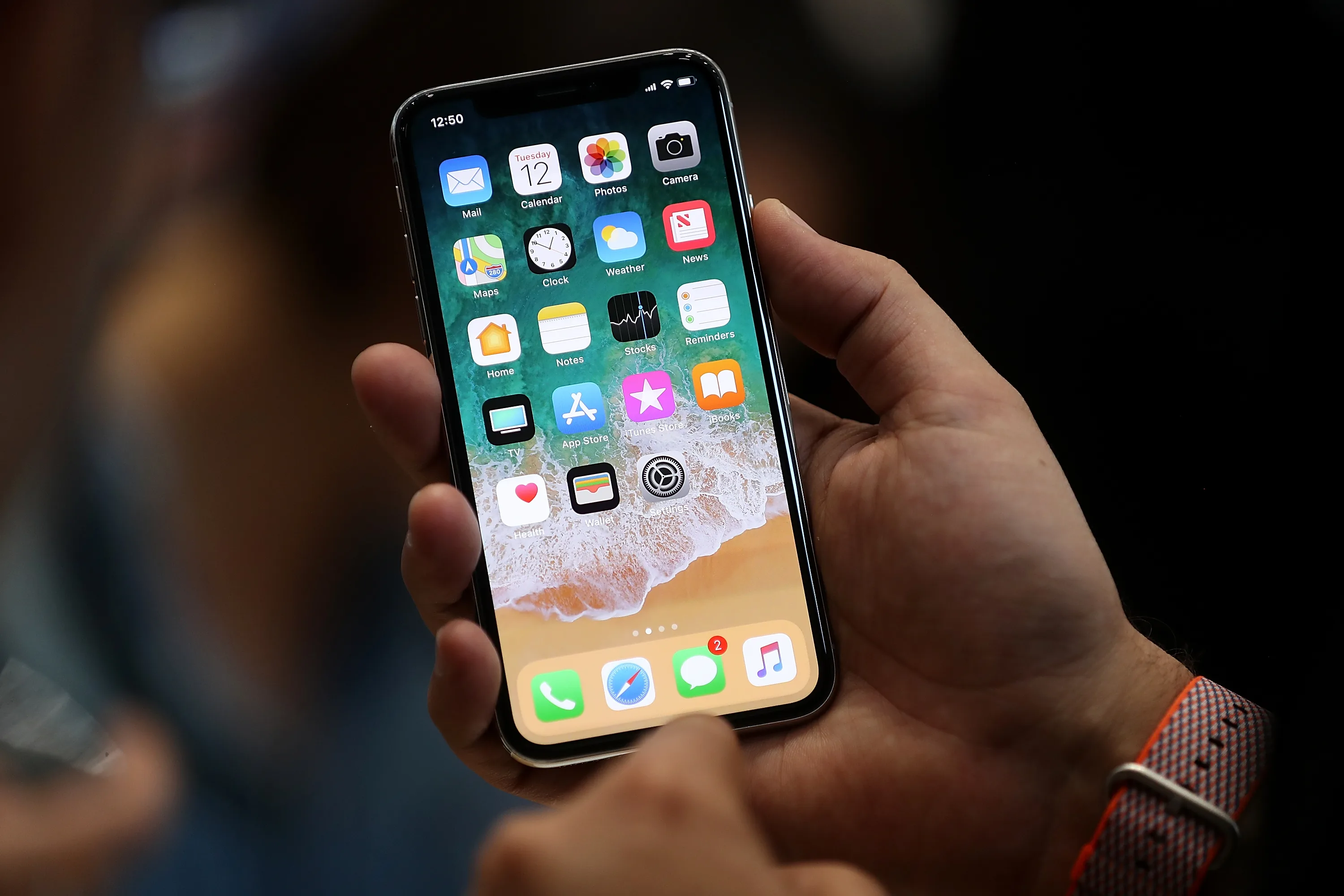
There’s an awful lot of people who live practically their entire lives through their iPhone, so the appearance of a notification indicating that your storage is running out is nearly cause to smash it in a fit of rage.

Instead of doing that and having to buy another one, however, you can solve the problem in a calm and rational manner that will only take a few minutes and will actually free up loads of storage on your device.
How? Some genius (thank you, eavesdroppingyou) shared the following advice on the Reddit iPhone forum and said advice has since been spreading like wildfire.
And with good reason too, because it actually works.
Here’s how it’s done.
Go to Settings – General – About and check your available storage.
Then go to iTunes and try rent something really big, a file that’s bigger than the available storage left on your phone. This redditor, for example, tried Lord of The Rings: Two Towers.
As iTunes tries to download the film you’ll get a pop up saying there’s not enough space and offers you to go back to Settings.
Click OK.
Before you know it, certain apps will appear as “cleaning” and when you return to your available storage, the available space will have grown.
Repeat the process and more storage space becomes available.

You can thank us now if you want to.
Cheers to the girls at Her.ie for this one
LISTEN: You Must Be Jokin’ podcast – listen to the latest episode now!